Serial (UART/RS232)
Serial support got deprecated in V3 of the Pi4J library, and completely removed in V4. We advise using the jSerialComm library for this purpose.
What is it?
Serial communication can be used to transfer data between different boards, devices, etc. Data is transfered bit-by-bit in a sequence, through a single wire from a transmitter (= TX) to a receiver (= RX). On the receiver side the bits are combined to bytes.
When you need two-way communication, two wires are needed between RX and TX from both sides:
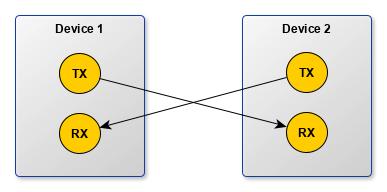
The communication between these two devices can happen in different ways:
- simplex: one direction only without a message back to confirm the receiving
- half-duplex: devices can only send or receive at once
- full-duplex: both devices can send and receive at the same time
Serial communication is done at a predefined speed which needs to be known on both sides, as both the sender and receiver need to handle the data at the same speed. This speed is called the “baud rate” with a value indicating the number of bits per second (bps). The most used speed is 9600 bps, but you can use lower (1200, 2400, 4800) or higher (19200, 38400, 57600, 115200) speeds, depending on the speed which can be handled reliably by the device.
The Pi has two built-in connections to GPIOs BCM number 14 (TX) and 15 (RX). Identical to the other GPIOs, they use 3.3V so make sure, when you connect other devices, the same voltage is used.
Feel free to check the Kotlin DSL for Serial
Uart Types
The following details are located in the Pi4 BCM2711-peripherals document. The BCM2711 device has six UARTs. One mini UART (UART1) and five PL011 UARTs (UART0, UART2, UART3, UART4, and UART5).
Mini UART
Raspberry Pi GPIO14 and GPIO15 support operation as a mini UART.
- 7-bit or 8-bit operation
- 1 start and 1 stop bit
- No parities
- Break generation
- 8 symbols deep FIFOs for receive and transmit
- SW controlled RTS, SW readable CTS
- Auto flow control with programmable FIFO level
- 16550 like registers
- Baudrate derived from system clock
PL011
The fuller function PL011 uarts are available via GPIO Alternative Function Assignments.
See Pi command raspi-gpio funcs.
Checking Serial Configuration
You can check the Serial configuration of your Raspberry Pi with the following command, using JBang and a checker tool available in the GitHub Pi4J OS repository. One or more checks are performed depending on the IO type checked by the tool. You will get a result like this, indicating if the check passed or failed, with more info about the expected and found result:
$ jbang https://github.com/pi4j/pi4j-os/blob/main/iochecks/IOChecker.java serial

[jbang] Building jar for IOChecker.java...
Results from Serial Detection

	Configuration check for UART in config.txt
		Status: PASS
		Expected:
			dtparam=uart0=on
		Result:
			Found in /boot/firmware/config.txt: dtparam=uart0=on

	Checking serial device availability
		Status: PASS
		Expected:
			/dev/ttyS0 exists (readable, writable)
		Result:
			/dev/ttyS0 not available
			/dev/ttyAMA0 exists (readable, writable)
			/dev/ttyUSB0 not available
			/dev/ttyACM0 exists (readable, writable)
If you have used the IOChecker before and want to make sure you are using the latest version, you need to clear the JBang cache:
$ jbang cache clear
Code example
An example is available in the Pi4J JBang examples repository. It consists of two applications:
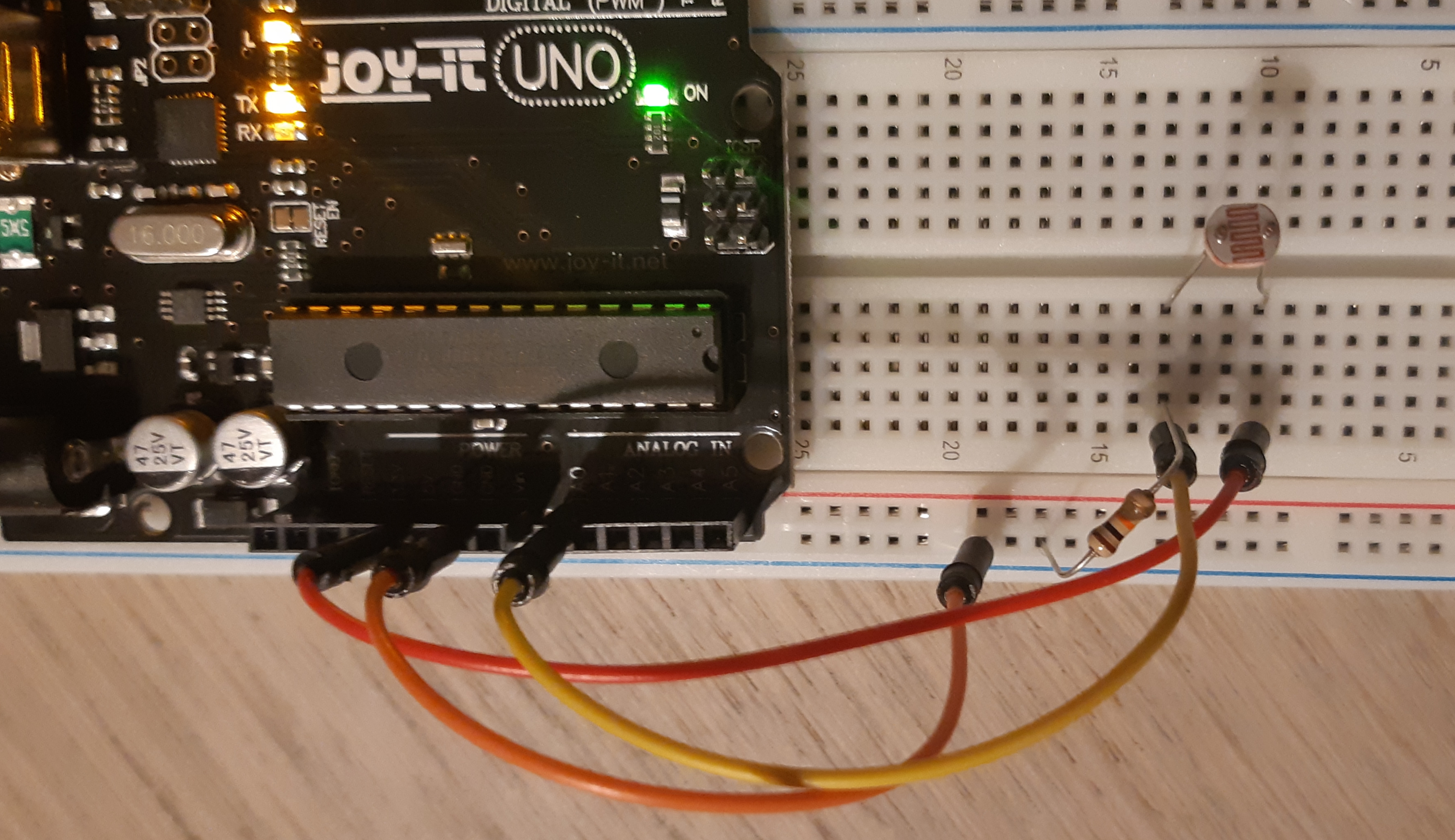
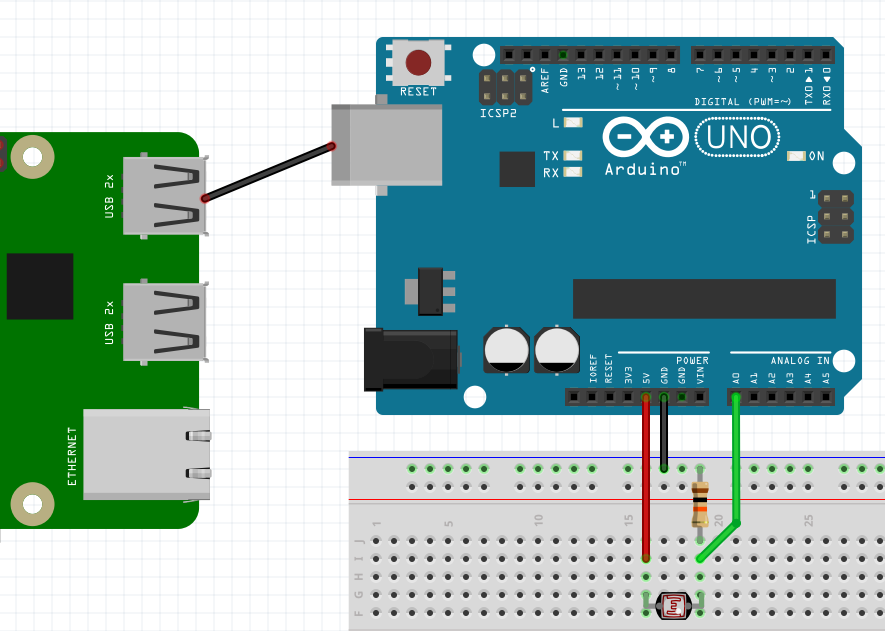
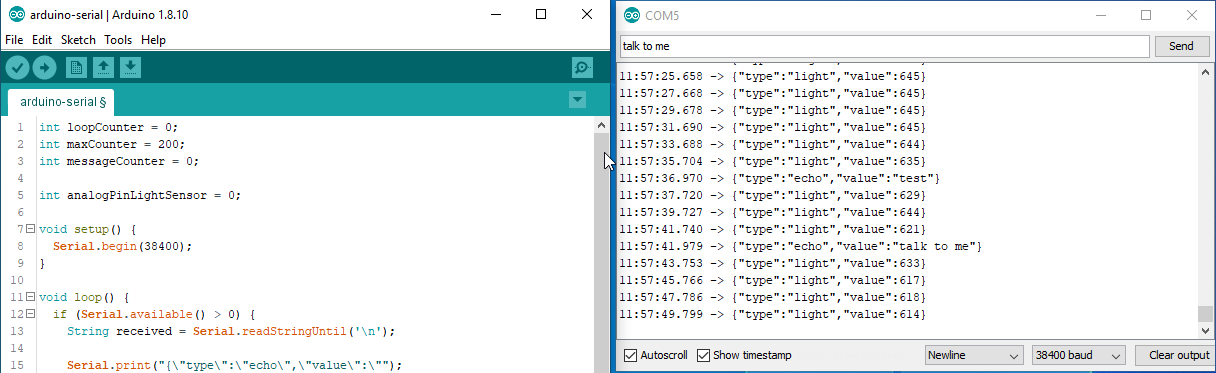
- Arduino: sends the measurement of a light sensor as a string message over serial:
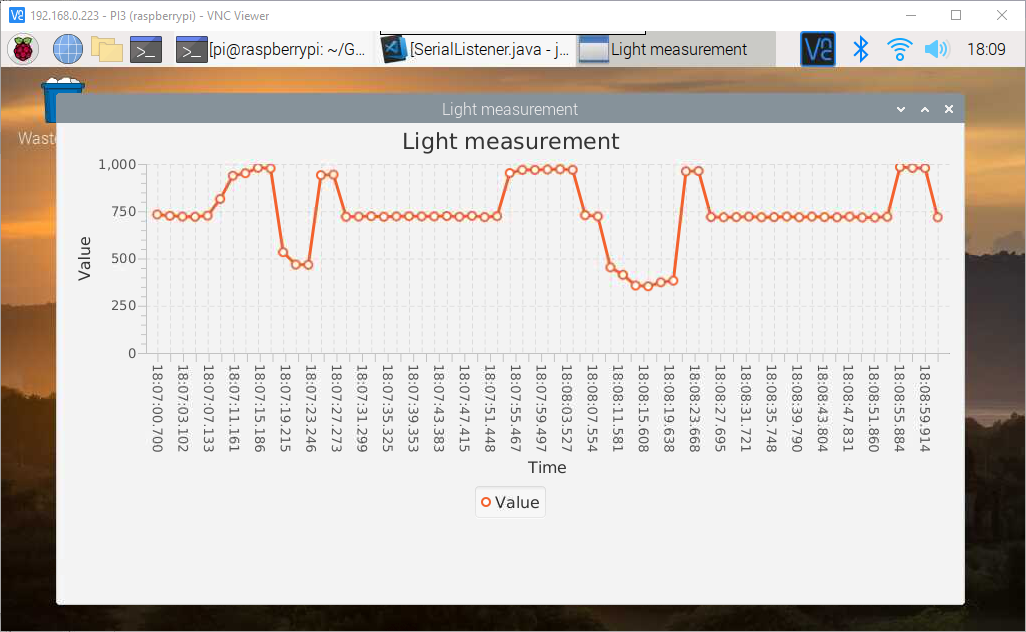
{"type":"light","value":82}. - JavaFX: receives the string, parses it, and displays the value on a chart.
Because the JavaFX application doesn’t use any Raspberry Pi-specific functionality, you can also run it on any other platform.